
Faster user interviews with Claude Cowork, Lyssna, and $100
What would you do if you could have your customers on speed dial?
I'm always curious about ways to make it easier to make user interviews happen—for both sides. I've also been experimenting with Claude more lately and wanted to put those skills to good use.
So I built a skill for Claude Cowork to speed things up.
In a nutshell, it lets you send a message like this:
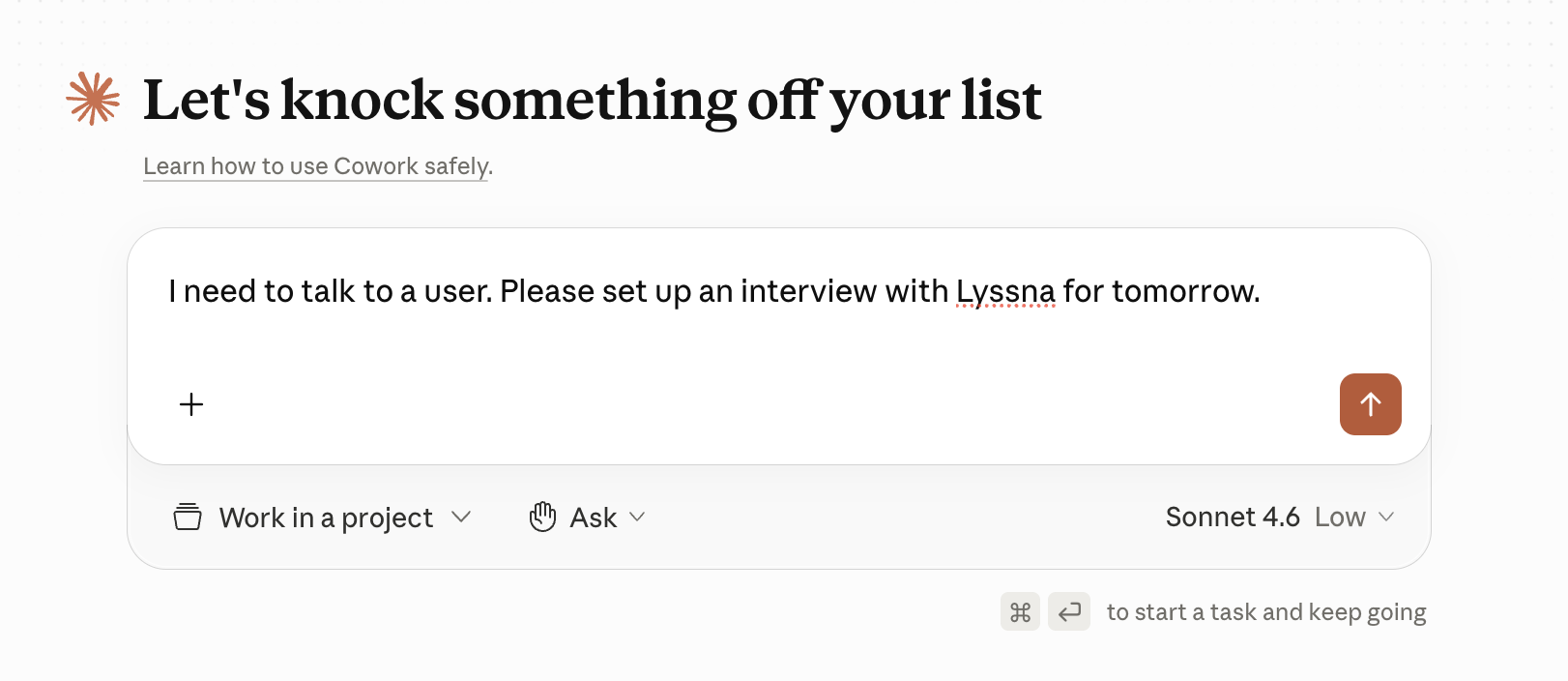
You will get a user interview booked in your calendar in just a few minutes. It will use your existing Lyssna account and answers to a few brief questions to fill out your project and get everything set up for you. All you have to do is review and submit the request.
What you'll need
There are a few requirements for this to work and unfortunately, some are paid:
- Claude Pro subscription or higher (currently $17/mo.)
- A free Lyssna account
- $75 for the recruitment fee (30 min interview)
If you include Claude Pro in the price, then this is technically a user interview for $92 per month. Let's call it $100 even to be safe.
So how do you know if it's worth spending $100 to have a single user interview?
Luckily, there's an easy way to calculate if it's worth doing.
When to use a recruitment panel
There are two situations where paying for an interview panel has been hands-down worth it in my experience.
The first one is strictly business-oriented:
The other one is a bit more profession-oriented:
People tend to discount how important the second one is, probably because it's easier to focus on the business impact. But 5 hours of product or engineering thinking can impact weeks, if not months, worth of work in a company.
I am also a strong advocate of going with your gut. So if your gut says you need to double check something, it's worth it.
What is Lyssna?
If you already have an account with Lyssna, feel free to skip ahead.
Lyssna is a user research tool and recruitment platform. It lets you run things like surveys and user tests, but it also offers access to almost 700k people who are open to conducting interviews or user tests.
The secret about recruitment services like this is that each one of them has high points and low points. It really depends on your audience. So running a test interview or two through it will tell you whether Lyssna is a good match for your industry and user type.
I'll try to write about more options I've used later.
Setting up Lyssna
Getting started is easy, even if you've never used a research recruitment service before.
First, go to lyssna.com and create an account. It's free.
Click on Settings and scroll down to Integrations. Connect your Google Calendar and Zoom if you have 'em.
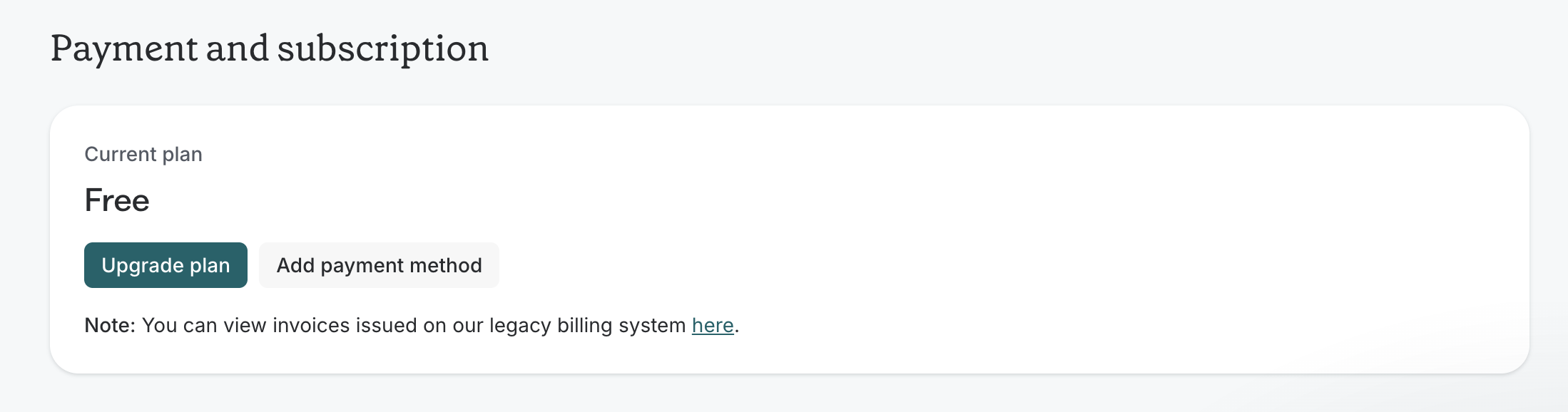
If you want to take care of the billing stuff now, go to Plans & billing and add a payment method. This is the card you'll use when you're ready to recruit for an interview.
Time to launch Claude Cowork
Go to Gumroad and get the Claude skill — it's free.
When you download it, double click on it to install it. You'll need the Claude Mac app and a subscription in order to use Cowork.
Once you've added the skill, go to Claude Cowork and ask it to recruit an interview for you.
It will automatically ask you all the questions it needs. Cowork will then take care of:
- Navigating through tabs in Lyssna
- Assigning the target demographics
- Special requirements (e.g. must use Linear at work)
- Your availability and preferred times
When it's done, it will give you a summary of the setup and you'll have the chance to update anything. Once it looks good, just complete your order and you'll have an interview in your calendar shortly.
See it in action
I sent this prompt to Claude.
I need to talk to someone who used Canva recently, in the past couple of weeks. Please recruit from Lyssna. I need 2 users. They need to have created a brochure or poster in Canva. Set it up for tomorrow anytime between 9am and 5pm eastern.
Here's a (sped up) version of what it did. It stops before ordering the interviews from the panel so I can review its work.
Over to you
This automation should save you about 120 clicks and close to 20 minutes, making it easier to talk to customers.
If you give it a try, let me know what you think!